

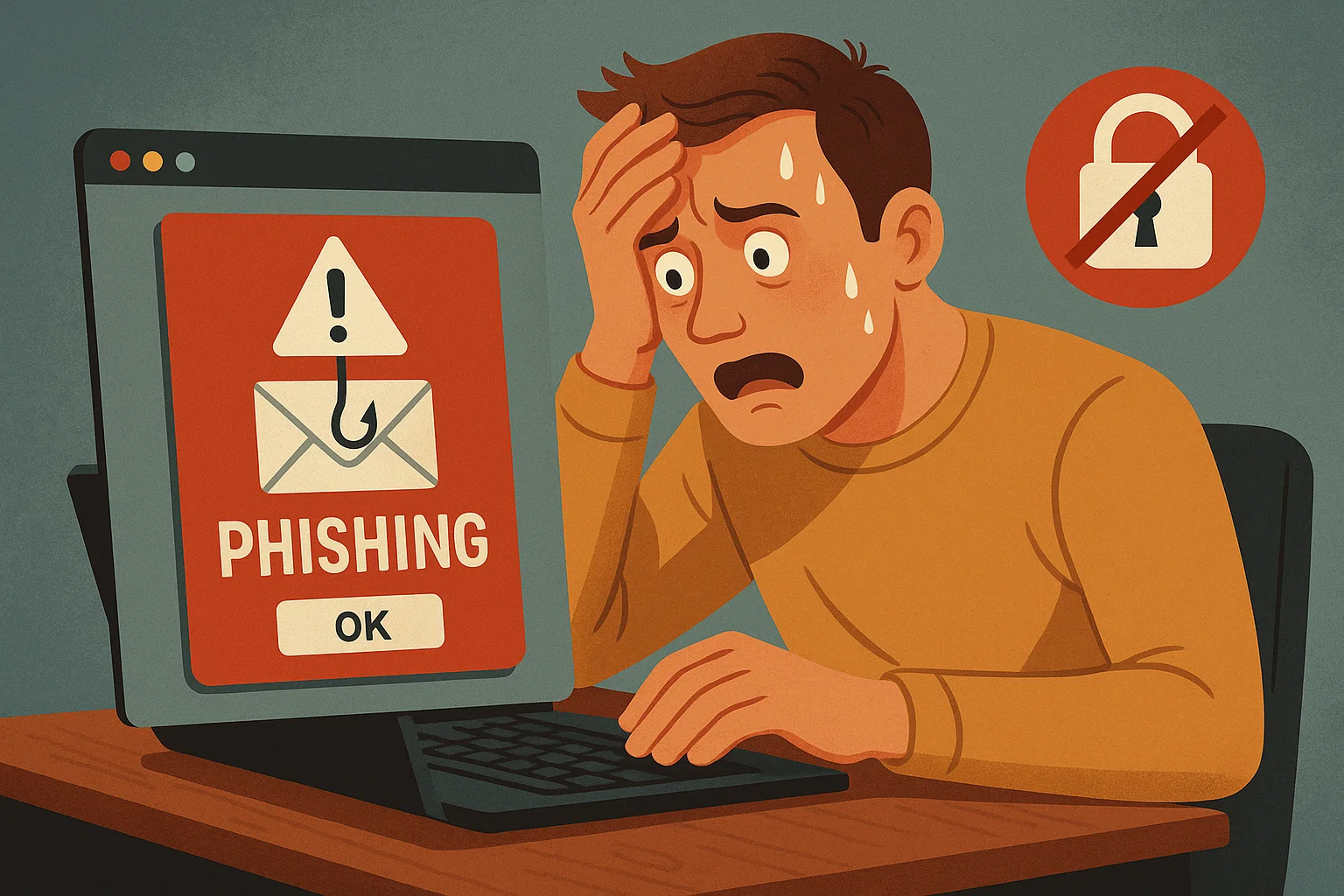
ONE click. One flicker of curiosity. And suddenly, you’ve ‘won’ a free cruise you never entered, been promised eternal youth in a jar, or received an ‘urgent’ message from your bank (or one you don’t even bank with).
Your heart does a little drum solo. Your palms get sweaty. You picture hackers gleefully emptying your bank account before you’ve even dunked your first biscuit.
Take a deep breath
Step away from the panic button. You are not doomed, and you are certainly not alone.
Here’s the good news: clicking on a dodgy link isn’t instant cyber-apocalypse: The real trouble starts if you download something nasty or hand over personal details.
If all you did was click and nothing downloaded, odds are you can relax.
Still, it’s smart to take a few sensible steps – think of it as digital first aid.
Step One: Shut the Door
Close that suspicious tab faster than you’d slam the door on a pushy salesman. Out of sight, out of malware.
Step Two: Wash Your Hands (Digitally Speaking)
Run a scan with your antivirus or security software. It’s the online equivalent of washing your hands after touching something sticky on the Tube. Quick, simple, effective.
Step Three: Change the Locks
If you typed in any personal info – passwords, emails, card details – change those passwords immediately. And this time, make them strong. ‘123456’ and ‘password’ don’t count, folks (yes, we’re looking at you).
Step Four: Cultivate a Healthy Scepticism
Phishing scams are sneaky little tricksters. They’ll pose as banks, delivery services, even Aunt Mabel demanding you wire her money. Remember: real companies don’t shout, don’t rush, and definitely don’t hand out free cruises. (If only.)
Bonus Life Hack: Ask Before You Click
When in doubt, check with a friend, family member, or – better yet – a tech support team. A two-second sanity check can save you a two-week headache.
And if you’d rather not play digital detective every time you open your inbox, there’s an easier way.
AnyTech365 SafeBrowse is like a bouncer for your browser – keeping out the riff-raff before they can even show you their dodgy offers.
With round-the-clock support, their experts keep you safe while you get on with life.
So, let’s recap: Clicking a shady link doesn’t mean the sky is falling.
If you act quickly, stay calm, and keep your wits about you, you’ll be just fine.
Think of it as surviving a minor scare on the digital high street: lesson learned, pockets intact.
And if you’d prefer never to panic over phantom cruises or miracle creams again, why not let the pros handle it?
Call AnyTech365 today and claim your FREE exclusive introductory offer.
Peace of mind, no panic attacks – and definitely no sweaty palms.
Grab our exclusive FREE introductory offer and call AnyTech365 to leave it all to the experts!
CALL NOW!
To claim your AnyTech365 TotalCare 3 months FREE
(+34) 951 203 538
(+44) 203 773 6780
Click here to read more Business & Finance News from The Olive Press.