

FROM restaurants and estate agents to freelancers and small businesses, almost everyone is now using videos made by customers, staff or creators to promote themselves online.
Known as user-generated content, or UGC, these clips have become a major part of social media marketing — but they do not always look as polished as the businesses behind them would like.
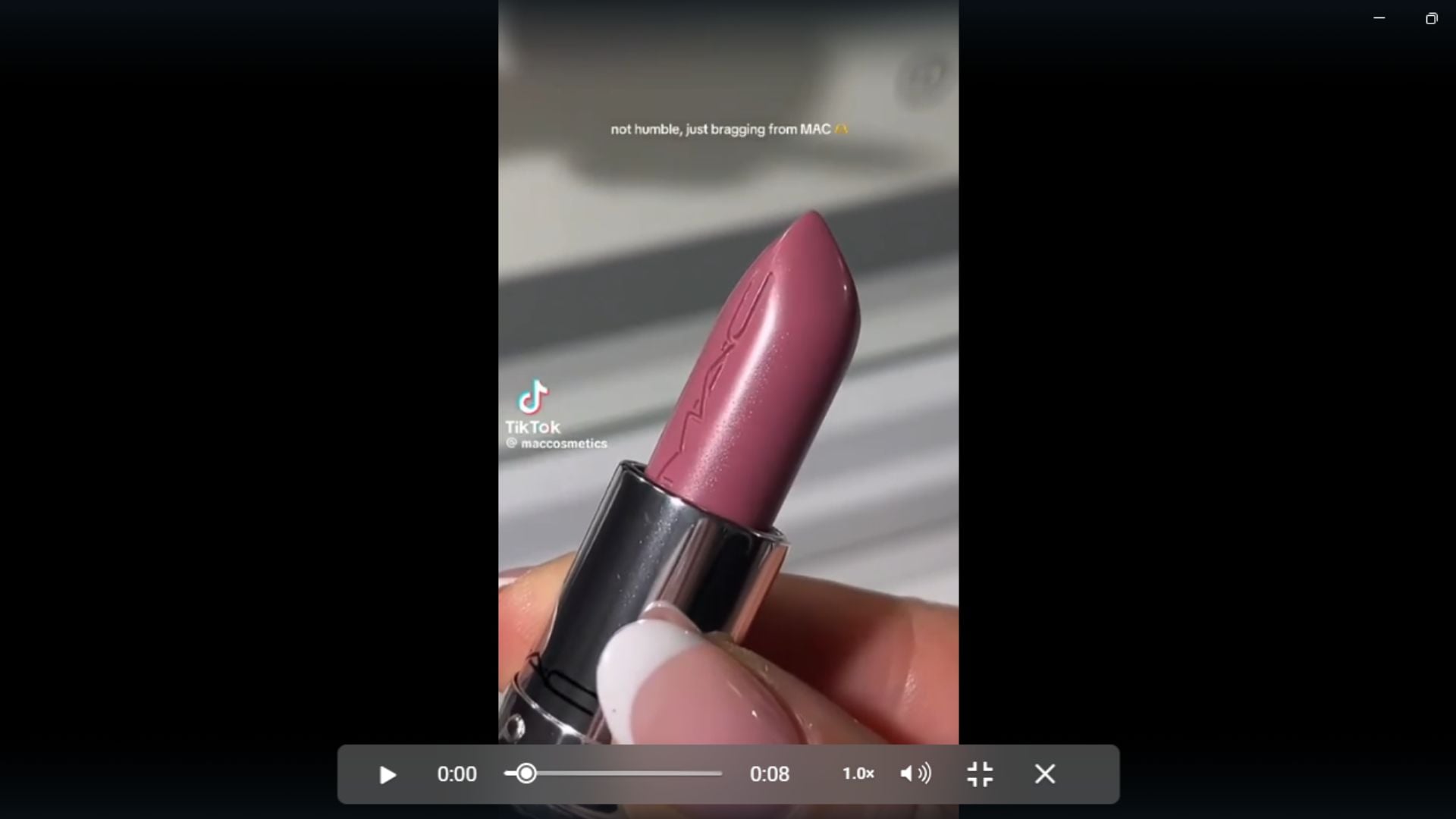
TikTok watermarks, blurry footage, different video sizes and repeated downloading and uploading can all reduce the quality of a clip before it reaches a website, presentation or campaign report.
For marketing agencies, keeping UGC organised and professional is particularly important when presenting results to clients. But the same principles are useful for anyone promoting a business, product or personal brand online.
Here is how Vmake, a platform that helps people ‘turn products into viral social videos’, recommends organising and preparing UGC content so it looks cleaner, more consistent and more professional.
READ MORE: How To Use Digital Marketing In Building A Local Community’s Marketplace Up
Introduction: Reporting Isn’t Just About Metrics
Ever finished a client report and thought, “The numbers look great, but why do these UGC clips feel a little messy?”
A video with a TikTok watermark, not so clear quality, or having a different size compared to the next clip can make the whole report seem a bit less elegant.
The truth is that UGC content is generally touched by hundreds— if not thousands of hands— before landing on a report. It goes through downloads, uploads, compression, further downloads, and shares, and that all adds up.
None of these issues alone would alter campaign results; however they do add to the difficulty of clients experience in trying to understand the output.
1: The Hidden Workflow Bottleneck Agencies Rarely Discuss
Multiple Creators Mean Multiple File Standards
Ever opened campaign folders and asked yourself, “Wait, why do all of the videos look so different from one another?”
Well, it’s not your screen playing tricks on you; one video file was provided via a top-quality media clip, one was a phone-recorded video sent by your customer, one was exported from a Freelancer using MP4, and so on.
Now you are sitting in files that just are not matching!
Reporting Teams Often Receive Exported Platform Files
And it doesn’t stop there… Reporting teams rarely receive the original videos.
They get TikToks that were uploaded a few times, are being worked out of the Slack folder, have been bounced around in Google Drive, or have had any number of other steps taken to download.
These things accumulate!
But just imagine what happens when you play those clips together for a client. One seems crisp, one has a blur and one even has a watermark.
What’s the one thing a client will remember the most? It isn’t the hook, creator’s style, the opening scene, product demo, or even the product itself, but more inconsistent clip quality.
That’s not the story you want your report to tell!
2. Build a “Creative QA” Stage Before Every Monthly Report
But before you even start thinking about creating any of these visual dashboards, one more step?
Do one tiny little Creative QA for a minute or two before finishing up. It will clean up your report a little before getting eyes on it.
Check Resolution Consistency
Firstly, review video quality. If you watch clips with some of them appearing blurry or sharp, try to ensure consistent video quality throughout. It becomes an easier job compared to your creativity.
Remove Distracting Platform Elements
Is a big TikTok watermark or any other visual interference taking attention away from the video?
You can take these distractions off the creative, as long as your agency owns or is allowed to alter the underlying content.
Standardized Aspect Ratios
Have one vertical video, one square clip, and one widescreen file?
Some will find themselves taking up lots of room and making for an awkward layout on a presentation slide. Use the same aspect ratio to make this section of your review flow better.
Confirm Brand Visibility
One final time – can you spot the product, logo or brand in each of the video clips?
The quicker your client finds them, the more time they’ll spend on looking for and discussing the results with you.
3: The 20-Minute Workflow Agencies Can Repeat Every Reporting Cycle
What if reporting was never again a last-minute scramble?
Luckily for you, the solution doesn’t even require a lot of extra effort.
This one 20 minute workflow ensures your team will always have clean UGC examples ready at reporting time.
Step 1 — Collect Original Assets First
When it’s feasible, do a favor to yourself … get hold of the original files from the artists.
Why deal with a downloaded social media clip if you can get a better quality original one? Starting with a high-quality source gives you much cleaner material to work with from the very beginning.
Step 2 — Separate Reporting Copies from Live Campaign Assets
Want a small trick that can lead to huge time savings in the long run? Make two copies!
Your campaign files remain as they are, and you create separate copies for reporting purposes. In this case, you can generate polished videos for presentations without the fear of altering the original files.
Step 3 — Remove Unnecessary Platform Branding
Ever presented an awesome piece of UGC only for everyone to zoom to the TikTok watermark? It happens.
If your agency either owns your content or you have rights to repurpose user videos, then chopping unnecessary watermarks out will do wonders for your client reports, post-campaign roundups, case studies.
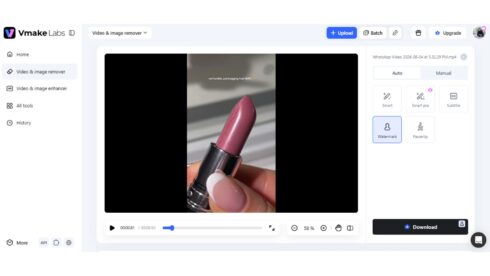
Vmake Labs TikTok watermark remover works well for this process. All you do is drop in a video, and the AI will recognize TikTok’s logos and usernames in real-time – as they float around the screen. What’s nice is that it won’t crop the video or leave a splotch of blackness behind; it just naturally fills it in.
If you want to do multiple UGC clips at the same time, you’ll be excited to learn the tool works directly in your browser and allows batch editing for up to 30 clips at a time. It isn’t only for removing watermarks, but it also provides AI video enhancement, removal of objects from frames, background cleaning, translation, and much more.

Step 4 — Organize Creatives by Learning Objective
Don’t stick to generic folder names like “Final Videos” or “New Exports.”
Who will remember what they watched inside this folder just a few months from now?
Group assets by their success metric: Best Hook, Highest CTR, Strongest Retention, Best Product Demo, Strongest Retention, and more.
Step 5 — Embed Clean Creative Examples into Reports
Stop putting a bunch of different video thumbnail types and tossing them onto a slide.
Highlight the creative, the metrics, and the takeaway you guys had. Your clients won’t want to only hear the metrics; they’ll also want to know why you ran the creative.
4: Why Cleaner Creative Presentation Improves Client Conversations
Was a client focused more on the watermark rather than the hook that won? It’s not the client’s fault!
Distractions take away from creative. Clean UGC makes it easy to cut to the chase – to what worked and why.
Easier Cross-Campaign Comparisons
Trying to compare different campaigns with messy files can be confusing. When everything looks consistent, it’s much easier to see what worked and what didn’t.
More Professional Case Studies
Now you have got a winning campaign that smashed targets? Give it the attention it deserves. Clear examples elevate wins within your case studies, decks and agency presentations.
Better Internal Knowledge Libraries
Remember a couple of months ago when everyone liked that ad?
Use an organized library. How much would you benefit from access to those winning pieces if needed in the future instead of scrolling endless folders for weeks.
5: Common Mistakes Agencies Make During UGC Reporting
UGC reporting can get messy fast. Ever opened a folder full of random video files and thought, “Which one am I even supposed to use?” These small workflow mistakes can slow teams down:
- Using social clips that have been downloaded, instead of the original files
- Pairing clean videos with exports of poor quality
- Getting confused about which version has the necessary changes made to it
- Putting videos of different lengths into one UGC Report
- File names created that are confusing even to the creator at a later stage
- UGC is only treated as a one-time asset and not as content that can be used or modified for different campaigns in the future
6: Conclusion
Awesome UGC reporting isn’t just stuffing more numbers into a spreadsheet. And you don’t want the best examples to fall into the wrong part of the story. Take care of these simple actions that could get your client reviews a lot quicker – why deal with a random watermark or a janky export standing in the way of brilliant campaign insights?
Consider a tool like Vmake Labs’ free TikTok watermark remover to help teams get clean UGC examples into case studies, reports, and internal creative libraries.
After setting up that workflow, all of the best content you produce won’t only perform best; it will also present your creativity in the best light.
Click here to read more Sponsored News from The Olive Press.